

Price range: $114.95 through $269.95
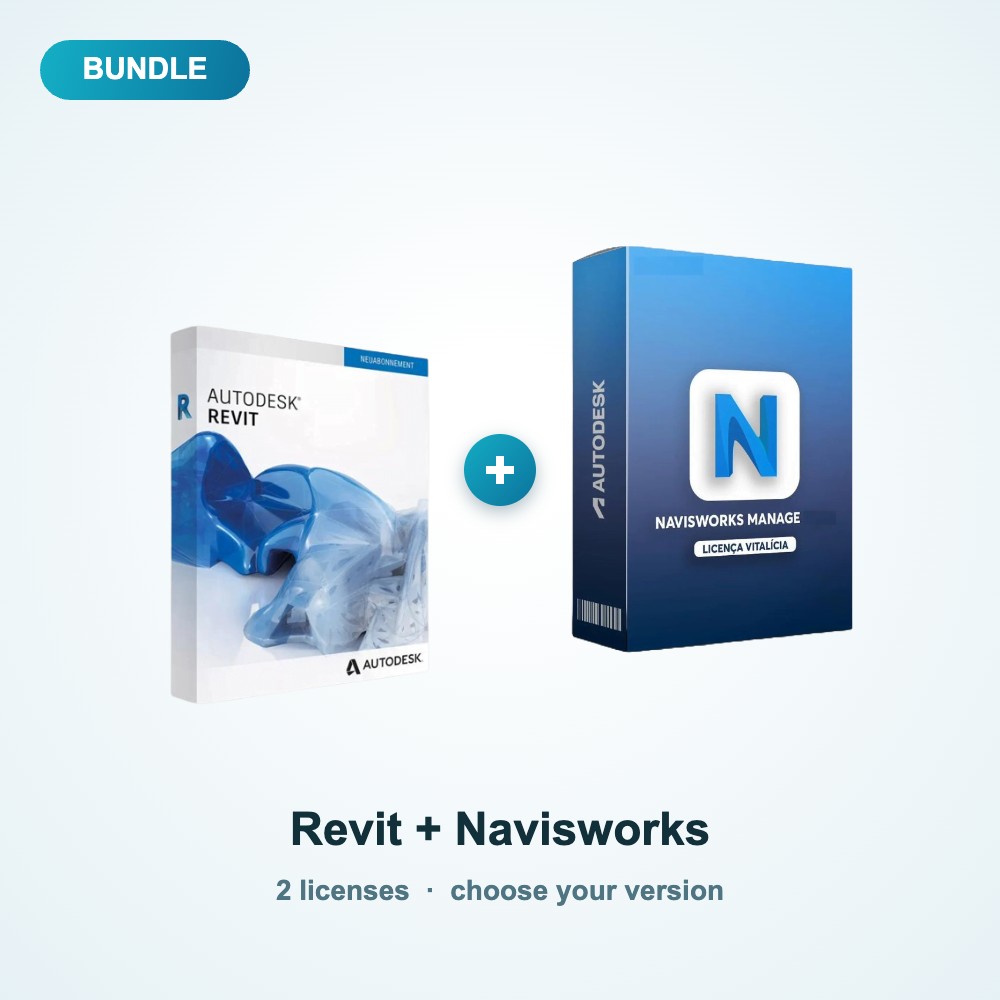
Autodesk Revit + Navisworks Manage Bundle (2022-2027)
our productarchitecture 3D- CAOBuy Autodesk Revit and Navisworks Manage together at one bundle price: model in Revit, coordinate and detect clashes in Navisworks.
- 2 licenses in one order
- Choose your version (2022 to 2027)
- Save about 9% compared with buying separately
- Autodesk license email within 24 hours, activation help by WhatsApp or email
Delivery contents :
 |
Activation before payment  |
|
Activation Instantly via WhatsApp or Email |
|
Payment via WhatsApp  Or Email  |
Description
Buy the Revit Navisworks BIM software bundle (2022-2027): BIM design and coordination
The Revit Navisworks BIM software bundle puts the two programs of a modern BIM workflow in one order. First, you model your architecture, structure or MEP systems in Revit. Then you bring every discipline together in Navisworks Manage for clash detection and construction review.
In addition, you can choose the version you need, from 2022 to 2027, and pay one bundle price.
What is included in the Revit Navisworks BIM software bundle?
It includes the following licenses:
Autodesk Revit: what you get
Revit is the Building Information Modeling (BIM) software from Autodesk. Instead of drawing lines, you model real building elements such as walls, floors, doors, structure and MEP systems in one coordinated 3D model. As a result, plans, sections, elevations and schedules update automatically when the model changes, which reduces errors and speeds up documentation.
As part of the Revit Navisworks BIM software bundle, you get this program at a lower combined price than buying it on its own.

Key features of Autodesk Revit
- Parametric modeling of building elements
- Plans, sections, elevations and schedules generated from one model
- One platform for architecture, structure and MEP
- Worksharing so a team can work on the same model
- Families of doors, windows, furniture and fixtures
Autodesk Navisworks Manage: what you get
Navisworks Manage is built for project review and coordination. First, it combines models from different disciplines such as architecture, structure and MEP into one federated model. Then you can run clash detection, review the design and plan construction sequences before work starts on site. Therefore, conflicts are found early, which helps avoid costly rework.

Key features of Autodesk Navisworks Manage
- Combine models from many disciplines in one view
- Automatic clash detection between systems
- 4D simulation of construction sequences
- Review, markup and measurement tools
- Realistic walkthroughs and visualizations
Who is the Revit Navisworks BIM software bundle for?
Because this bundle brings the right tools together in one order, it suits these users:
- Architects and BIM modelers
- Structural and MEP engineers
- BIM coordinators and project managers
- Contractors who review models before construction
Why buy the Revit Navisworks BIM software bundle instead of separate licenses?
First, you order once, pay once and have a single contact for support. In addition, you get 2 licenses together instead of managing 2 separate purchases. As a result, the bundle is simpler to buy and cheaper than buying each product on its own.
For example, in the 2027 version you pay $269.95 instead of $295.94, so you save $25.99.
Choose your version (2022 to 2027)
Newer versions bring the latest features and updates. However, an older version can be the right choice when your team, clients or project files use a specific year. Therefore, choose the year that matches the people you exchange files with.
The year you choose applies to both Revit and Navisworks Manage.
For example, the table below shows the price of the bundle for each version:
| Version | Bundle price | Buying separately | You save |
|---|---|---|---|
| 2022 | $114.95 | $125.90 | $10.95 |
| 2023 | $144.95 | $158.95 | $14.00 |
| 2024 | $172.95 | $189.90 | $16.95 |
| 2025 | $196.95 | $215.94 | $18.99 |
| 2026 | $233.95 | $255.94 | $21.99 |
| 2027 | $269.95 | $295.94 | $25.99 |
In addition, the price you pay is shown in the options above the Buy Now button for the year you select.
How you receive the licenses of the Revit Navisworks BIM software bundle
After you order the Revit Navisworks BIM software bundle, follow these steps to receive and activate your licenses:
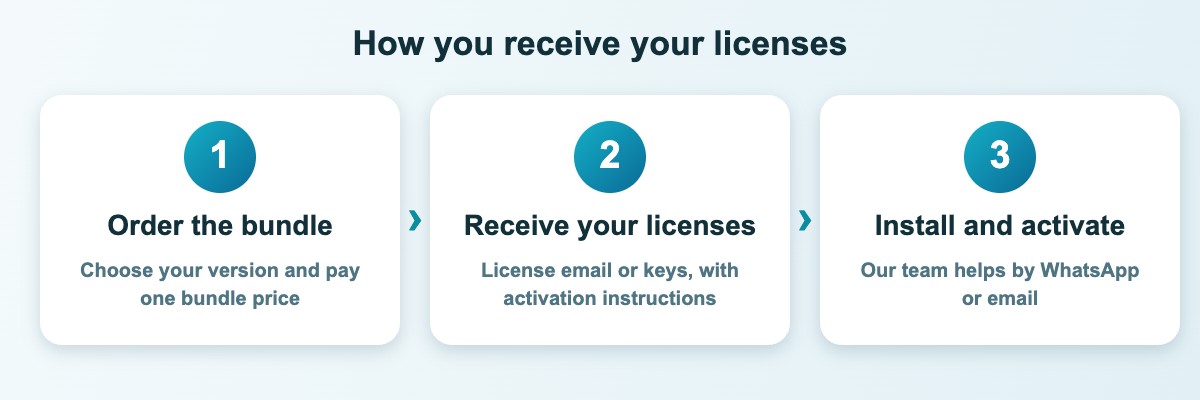
- Order the bundle and choose your version in the options.
- Receive the Autodesk license email. Autodesk sends an email to the address you gave on the order form, within 24 hours.
- Follow the instructions in the email and sign in to Autodesk.
- Download the software directly from the official Autodesk website and start working.
If you need help at any step, contact us. Our team is also available on WhatsApp.
System requirements
Autodesk software is designed for 64-bit Windows (Windows 10 or Windows 11). In addition, for 3D work and large models, plan for a modern multi-core processor, 16 GB of RAM or more and a dedicated graphics card.
However, requirements differ by program and by year, so check the official Autodesk system requirements for the version you choose before you order.
Tips before you order
- First, check that your computer meets the system requirements for the version you choose.
- Then, use an email address that you can open today, because your license details are sent there.
- Also, save your work and back up your files before you install new software.
- In addition, keep your order confirmation, because it helps our team assist you faster.
- Finally, contact us before ordering if you are not sure which version fits your needs.
Frequently asked questions about the Revit Navisworks BIM software bundle
Do I get the same year for Revit and Navisworks?
Yes. The year you choose applies to both programs. However, if you need two different years, contact us before ordering.
Can I open Revit models from other years?
Revit models can be upgraded to a newer version. However, they cannot be opened in an older one, so choose the year used by your team and your partners.
How do I receive the licenses?
Autodesk sends the license email to the address on your order within 24 hours. Then you download the software from the official Autodesk website. In addition, our team can help you by WhatsApp or email if needed.
Is this bundle for Windows or for Mac?
The bundles are Windows versions. However, if you need the Mac version of a product, contact us before ordering.
Can I buy only one of the products?
Yes. Each program is also sold separately, so you can choose what you need: Autodesk Revit, Autodesk Navisworks Manage.
More questions about ordering and support
Can I ask a question before I order?
Yes. Because we want you to choose the right version, you can use our contact page or message us on WhatsApp before you order.
How soon can I start using the software?
After your order, you receive your license details by email or WhatsApp. Therefore, you can start the installation as soon as the instructions arrive.
Can I pay by WhatsApp or email?
Yes. Payment is available via WhatsApp or email, as shown in the delivery contents of this page.
Will I get help with activation?
Yes. Our team can help you with activation by WhatsApp or email, because we want every license to work as expected.
Finally, order the Revit Navisworks BIM software bundle today, or browse all our software bundles to find more combinations at a bundle price.
Additional information
| Year | 2027, 2022, 2023, 2024, 2025, 2026 |
|---|
Be the first to review “Autodesk Revit + Navisworks Manage Bundle (2022-2027)”
Related Products
-
 Price range: $39.95 through $99.95
-
 Price range: $26.95 through $43.95


There are no reviews yet.